
The short version
- A dependable AI creative pipeline expands one selling point into a set of candidates worth testing. It handles product facts, creative planning, image generation, and quality review as four separate jobs, and never turns one prompt into a finished ad.
- To judge a tool, ask how it references your product assets, which elements are allowed to change, how it catches wrong text and factual drift, and whether a human still signs off.
- For SaaS teams and solo founders, the saving isn't in the drawing. It's the throughput of turning one selling point into dozens of variants worth testing.
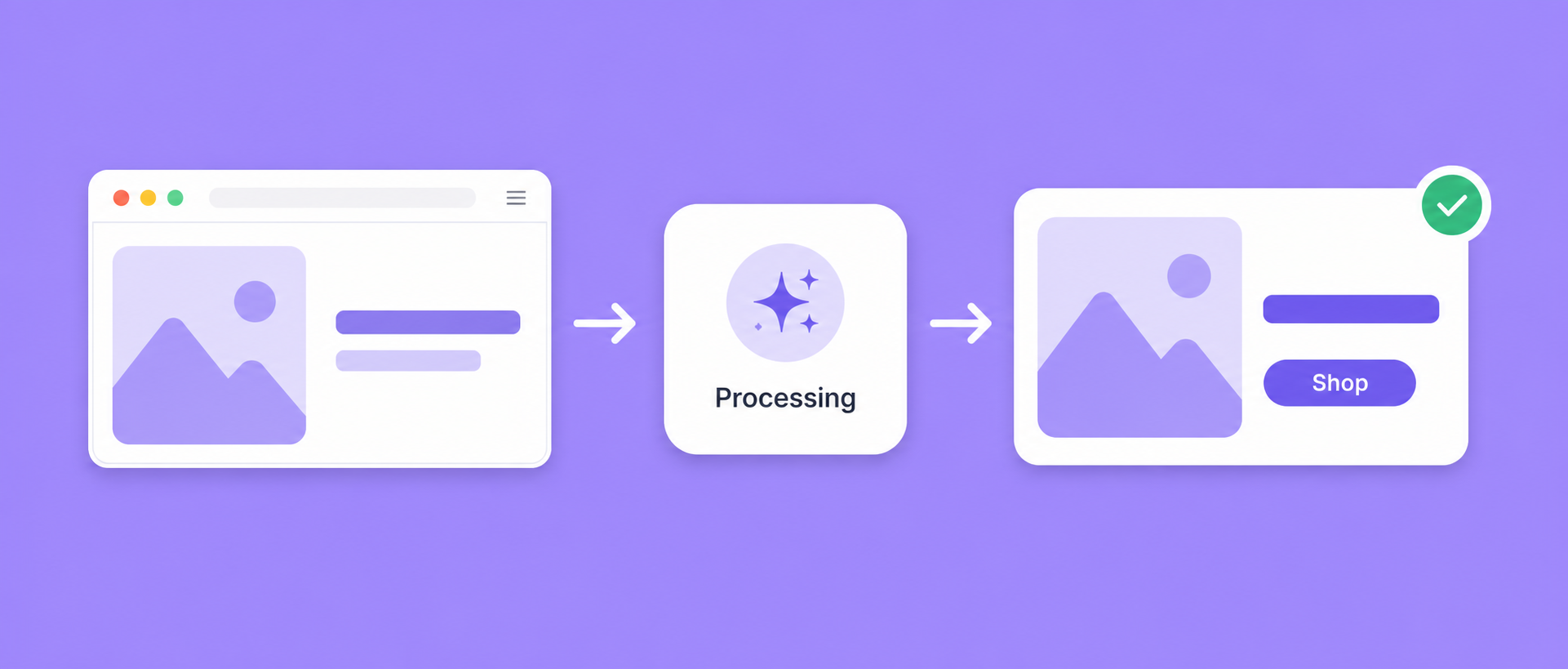
AI ad creative generation is the process of expanding one selling point into a set of ad candidates you still have to filter. It splits the work into four jobs — product facts, creative planning, image generation, and quality review — and delivers reviewable candidates rather than a finished ad.
For two years now "AI generates your ads" has been sold as magic. Upload a logo, type a line, get something you can run. Anyone who has actually bought media knows it doesn't go like that.
Our own first mistake was pointing a plain text-to-image model at a product ad. It repainted our app screenshot: buttons roughly in place, colors close enough, every string inside rendered as garbled nonsense, prices invented on the spot. We didn't even post that one in the team channel. So this isn't a piece about magic. It's about what these systems actually do, and how to pick one.
First, what it isn't
One sentence: AI ad creative generation expands a single selling point into a set of candidates you still have to filter. It does not hand you a finished ad that needs no review.
That distinction decides whether you bought a production tool or a toy. An ad you can genuinely run is built from at least three layers:
- Structure. Where the hero visual, headline, benefit copy, and CTA sit relative to each other. This is what makes an ad readable, so it needs explicit constraints. Leave it to chance and chance is what you get.
- Visuals. Background, lighting, mood, scene. This is where AI earns its keep.
- Text. Headline, price, button copy. The important strings have to be right. If the generation model is drawing type into the image, you need visual review plus a human read-through. When you need pixel-exact type, composite it as a layer afterward instead. This isn't one model's weak spot either: benchmark work found rendering accuracy drops off sharply as the string gets longer, so a short word may survive where a full price and terms line won't.

Hand all three to one text-to-image model at once and you get the image we were too embarrassed to share. Splitting them is the one thing every serious product in this category has in common.
How the pipeline really works: facts, constraints, generation, review
We've pulled apart a fair number of the tools that work, and the pipelines look broadly alike. Four steps.
- Understand the product. Read the screenshots, the landing page, the selling points, and extract facts: what this is, the core value, who buys it, the brand colors. Everything downstream inherits the quality of this step.
- Work out angles. From those facts, generate creative hypotheses. The same collaboration tool sells "fewer context switches" to engineers and "no more black-box projects" to whoever approves the budget. Get the angle wrong and a beautiful image still loses.
- Generate the image. Feed the pipeline your product assets, brand anchors, layout preferences, and how far it's allowed to vary. Some jobs reuse the full reference image; others inherit only the creative DNA or the product facts.
- Check quality. Rendering isn't the finish line. Every output goes through review and lands in one of three buckets: auto-passed, needs a human look, failed. Then you decide whether to regenerate or fix it by hand.
Step 3 lives or dies on one detail. It isn't a blanket "freeze everything," it's stating what gets preserved and what may change. Image Fission comes in three strengths: light keeps layout and hero visual, medium keeps the creative DNA, heavy keeps only the product facts and the core claim. If a UI, logo, price, or number must not move, mark it as a high-priority preserved element and check it item by item on the output.
If you remember one line: facts set the boundary, constraints set the direction, AI generates, review catches the drift. Drop any of the four and throughput turns into rework.
What actually separates this from template tools
The question we get most: how is this different from dropping copy into a Canva template? Three differences, each more important than the last.
One, the angle gets worked out before the layout. A template gives you a nice frame, but what the ad should say is usually still your problem. Creative generation proposes several persuasion angles from your product facts first, then you pick which ones are worth rendering.
Two, the repetitive part gets batched. Done by hand, every variant means editing copy, scene, and dimensions all over again. A pipeline reuses structure and assets and plans several variants in one pass. Each image still costs generation time and credits. What batching removes is the repeated clicking, not the cost.
Three, the system enforces consistency instead of your attention span. By image 30, nobody's tone is still on target. Once brand colors, typefaces, claims, and phrasings to avoid live as facts and constraints, with quality review on top, drift between variants drops noticeably.
Here's a qualitative comparison of the two workflows. These aren't timing promises. Real speed depends on how complex your assets are, how many variants you want, and how much human review you require.
| Aspect | Manual templates | AI creative generation |
|---|---|---|
| First variant | Pick a template, fill it in, adjust | Still needs a check and edits after generation |
| More variants | Redo the same edits every time | Plan once, generate as a batch |
| Finding angles | All on you | Derived from product facts |
| Product text accuracy | Typed by hand, so it's correct | Validated after generation, then read by a human |
| Brand consistency | Depends on discipline | Facts and constraints keep it aligned |
Look hard at that fourth row. Generation models still produce typos, garbled type, and factual drift, so any product worth trusting surfaces the risk state and a route to review rather than implying that one click gives you something ready to run.
How the system takes an ad apart
The fastest way to understand any of this is to watch a tool decompose an ad. To the system an ad isn't a picture, it's a set of layers, each with a role.
| Layer | Who owns it | Does AI touch it |
|---|---|---|
| Background / scene | Generated | Yes, this is what it's for |
| Product itself (screenshot or physical) | Reference asset + preservation rules | Depends on the generation method and fission strength |
| Logo | Brand anchor + reference asset | Possibly, so check it |
| Headline / benefit copy | Copy constraints + visual review | Possibly, so read every word |
| CTA button | Composition + copy constraints | Possibly, so read every word |
| Lighting / mood | Generated | Yes |

What that table really describes is tiered risk. Anything that can't be wrong (product UI, prices, brand marks) gets stronger preservation rules and a check before you publish. Mood and background, where variation is welcome, are where you give the model room. When something has to stay pixel-identical, use an explicit mask or composite it in post instead of trusting a prompt to hold the line. Producing that mask is a solved problem now — segmentation models like Segment Anything will isolate the screenshot or the packaging as a region, and what's inside the region never reaches the generator.
When a product shot comes back looking "off," the first thing to check is whether you handed the model something that should have been preserved: a UI, a price, a brand element. We wrote a separate piece on that, why AI product images come out looking wrong, which goes deeper from the SaaS-screenshot angle.
When to use it, and when to skip it
No tool is a silver bullet. Our honest read, without the polish:
Worth it when:
- You have one clear product but need volume across audiences, channels, and languages. This is the sweet spot.
- You're a solo founder or a small team with no dedicated designer and a constant need for fresh creative.
- You're running cold-start testing at scale and need dozens of variants to find an angle. No human keeps up with that.
Not yet when:
- You need one hero brand image for a billboard. One-off, high-craft work belongs with a designer.
- You haven't settled who buys and why. AI amplifies your judgment, it doesn't supply it. Empty positioning generates good-looking nothing.
- You ship one or two images a month. At that volume a production tool is overhead, not help.
Seven questions to ask a vendor
If you've decided to buy something, skip the marketing site and ask these.
| # | Ask this | What a good answer sounds like |
|---|---|---|
| 1 | Will a model rewrite the text inside my product? | A clear account of the generation path, plus word-by-word review |
| 2 | Do I write the creative angle, or does the tool propose it? | Proposed from your product facts |
| 3 | Is there a quality bar on the output? | An explicit multi-dimension review, not whatever came out |
| 4 | Can I get every channel size in one batch? | Yes, adapted per channel |
| 5 | How does localization work? | Named preserved elements, then review of language, currency, and cultural context |
| 6 | How am I billed, and what happens to failed images? | Usage-based, with refunds on failure |
| 7 | Will you let me run the whole thing once for free? | Yes |
Question 3 is the one to push on. LinkBloom scores every output across seven dimensions (brand, visual, copy, product accuracy, channel fit, compliance risk, novelty) and marks it auto-passed, needs review, or failed. That isn't platform approval and it doesn't replace a human look before you publish, but it's a visible layer of risk control instead of "generated, done."
For questions 6 and 7, check the pricing page directly. LinkBloom charges 10 credits per image, refunds them in full automatically when generation fails, and gives you 100 one-time credits at signup, so you can run the whole flow before deciding. No card.
FAQ
Will AI ad creative generation replace designers?
No, but it changes the job. Volume work, resizing, and language swaps go to the system. Designers get their time back for the parts that need taste: setting the tone, building the master, saying no. What we've seen is that designers get more valuable on teams that use this well, because one good master can fan out into hundreds of variants.
Can I run the output as-is, or does it need edits?
Never treat an AI output as ready to run by default. Product facts, every visible string, asset rights, cultural context in the target market, and platform policy all need a check before you publish. Quality review narrows what you have to inspect, it doesn't transfer the responsibility.
I have no physical product, just software. Does this work?
Yes, and it's the case these tools handle best. SaaS has nothing to photograph, which is exactly where traditional creative production stalls. AI creative generation goes from product knowledge straight to an image with no physical asset in the loop. That's the biggest thing it offers software teams.